AgentOne 1.3.1 adds chat sync, so your conversations can follow you across devices and stay backed up in your account.
This release also makes extensions easier to set up, adds right-to-left text support, and shrinks the Windows installer.
Sync Your Chats
Your chats can now sync between your devices, which works as a backup too.
Chat sync is off by default. Turn it on in Settings > Sync under Sync chats, where you have three choices: Off, All chats, and Only chats I choose. With Only chats I choose, chats stay on your device until you turn on Sync This Chat in a chat's sidebar menu. With All chats, every chat syncs, and you can still stop syncing any single chat from its menu.
Turning chat sync on opens a dialog that explains the rules:
- If a chat is changed on two devices before they sync, the most recent version is kept and the other is replaced.
- Deleting a chat on one device deletes it on your other devices too.
- Chats in projects stay on the device only and don't sync.
Local changes upload a few seconds after you stop changing a chat. Other devices check for new chats when you open or switch back to AgentOne, every 5 minutes while it's open and in front, and every 30 minutes in the background.
A chat's menu shows its sync status (Synced, Waiting to Sync, Syncing…, Not Syncing, or Too Large to Sync for very large chats that can't sync), plus which device it was first synced from, which device it was last synced from, and when. You can set a Device name in Account settings instead of the default "This device", and Chats synced in Sync settings shows your progress.
Chat sync requires a Pro plan or higher.
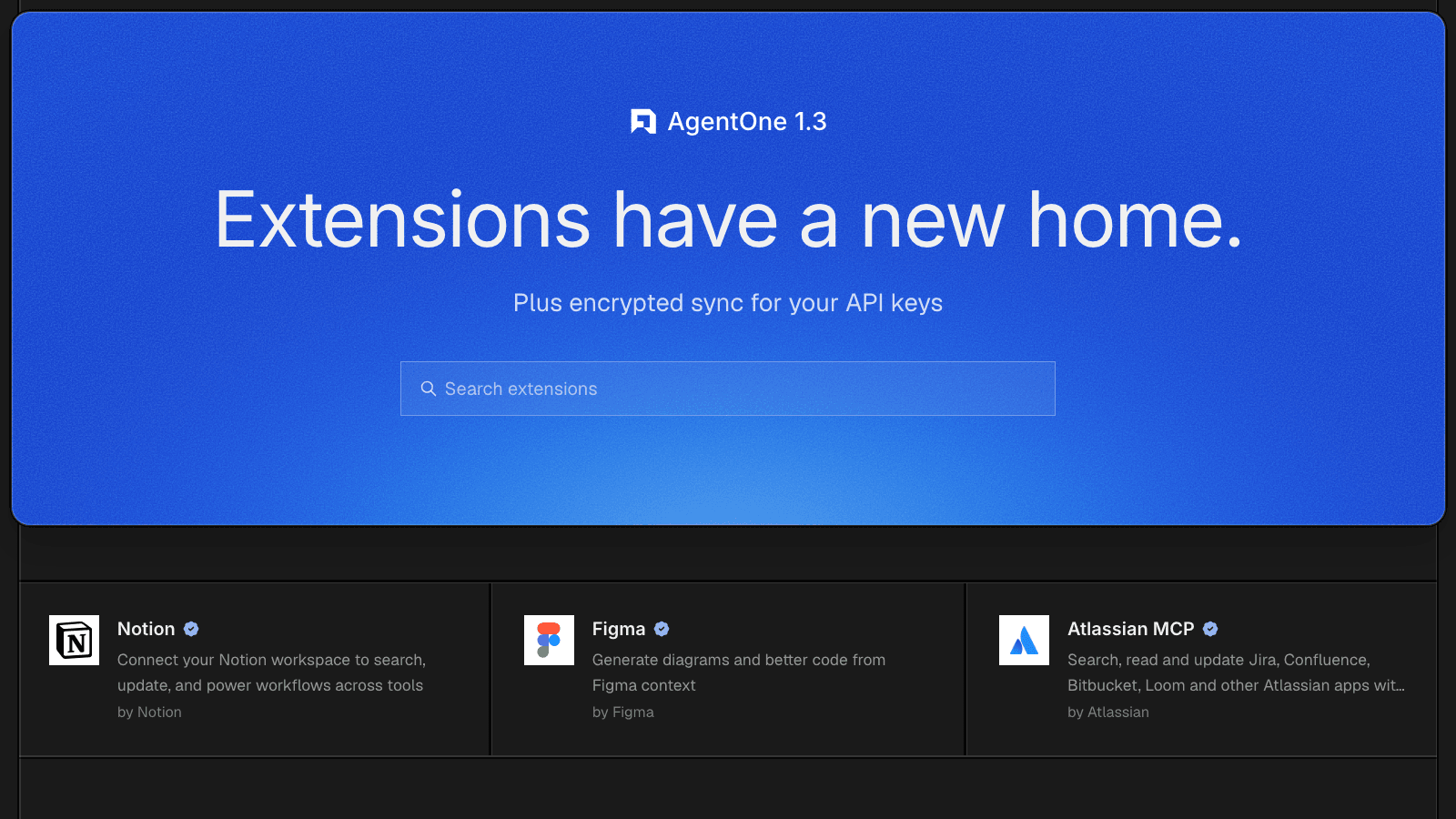
Extensions Are Easier to Set Up
I smoothed out a few rough spots on the Extensions pages.
Extensions that need you to sign in now show a "Sign in to finish setting up" notice with a Sign in button (previously "Connect"). If an extension couldn't connect, its page says "This extension couldn't connect" with a retry button, and tucks the technical error inside a collapsible details section.
Extension settings are now organized around a Tools card. Flip one Ask before using tools switch so AgentOne checks with you first each time (except in Auto mode), or choose per tool.
This release also fixes extensions signing in twice and stops extensions that failed to start from reloading for no reason. If a local extension crashes or exits, AgentOne now restarts it automatically the next time it uses one of that extension's tools instead of letting the tool fail.
Everything Else
- Better LM Studio detection. AgentOne now uses LM Studio's newer API when fetching models, picking up model names, the loaded model's context length, and vision, tool, and reasoning support automatically instead of guessing.
- Right-to-left text. Languages like Arabic and Hebrew now display properly in messages, lists, headings, quotes, the message box, and when editing a message.
- More reliable Memory and file analysis. The Memory tool now rejects entries that are too long instead of saving them cut off, and gives the AI clearer errors so it can fix the mistake instead of silently saving nothing. File analysis handles newly created files and paths with special characters, URL-encoding, or unusual spaces more reliably.
- [Beta] account details tool. Ask something like "how many credits do I have left?" and AgentOne can check your plan and remaining credits, after asking for approval first.
- More careful Auto mode. Its default safety prompt now asks before a tool call that edits, overwrites, or deletes something when you only asked for something new to be created, and it reads shell commands more carefully for risky deletes.
- Smaller Windows installer. It no longer bundles the full Microsoft WebView2 offline installer, making the download much smaller. If a PC is missing WebView2, the installer downloads it.
- Drafts stay with their project. An unsent message in a new chat inside a project stays with that project instead of following you to other new chats.
- Smarter back buttons. Back buttons in Settings, Extensions, and Scheduled Agents now take you to the page you came from instead of always back to the chat.
- A new animated sine wave loading spinner.
- The update dialog focuses the Update button automatically, so pressing Enter starts the update.
- Fixed a glitch in the onboarding splash screen's text animation.
- Updated app dependencies.
Get It
AgentOne 1.3.1 is out now. If you already have AgentOne, it should update automatically. If not, you can download it for free.
As always, I'd love to hear what you think on Discord or the forum.